 GlassBook
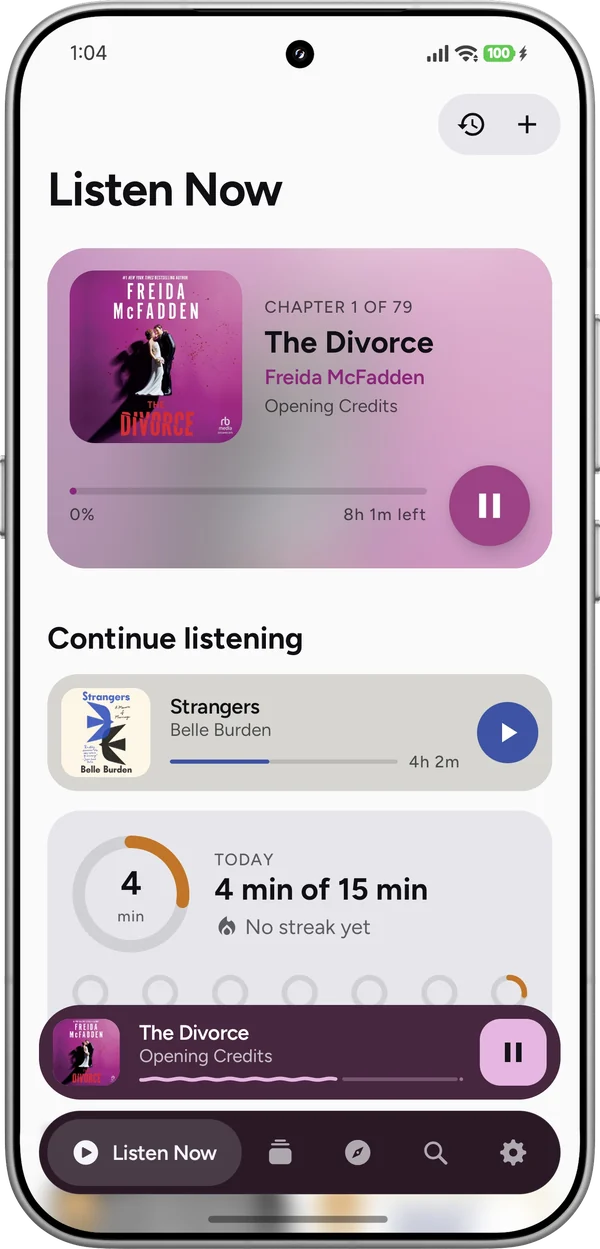
Pick up where you left off.
What you're in the middle of, and a daily listening goal with your streak.
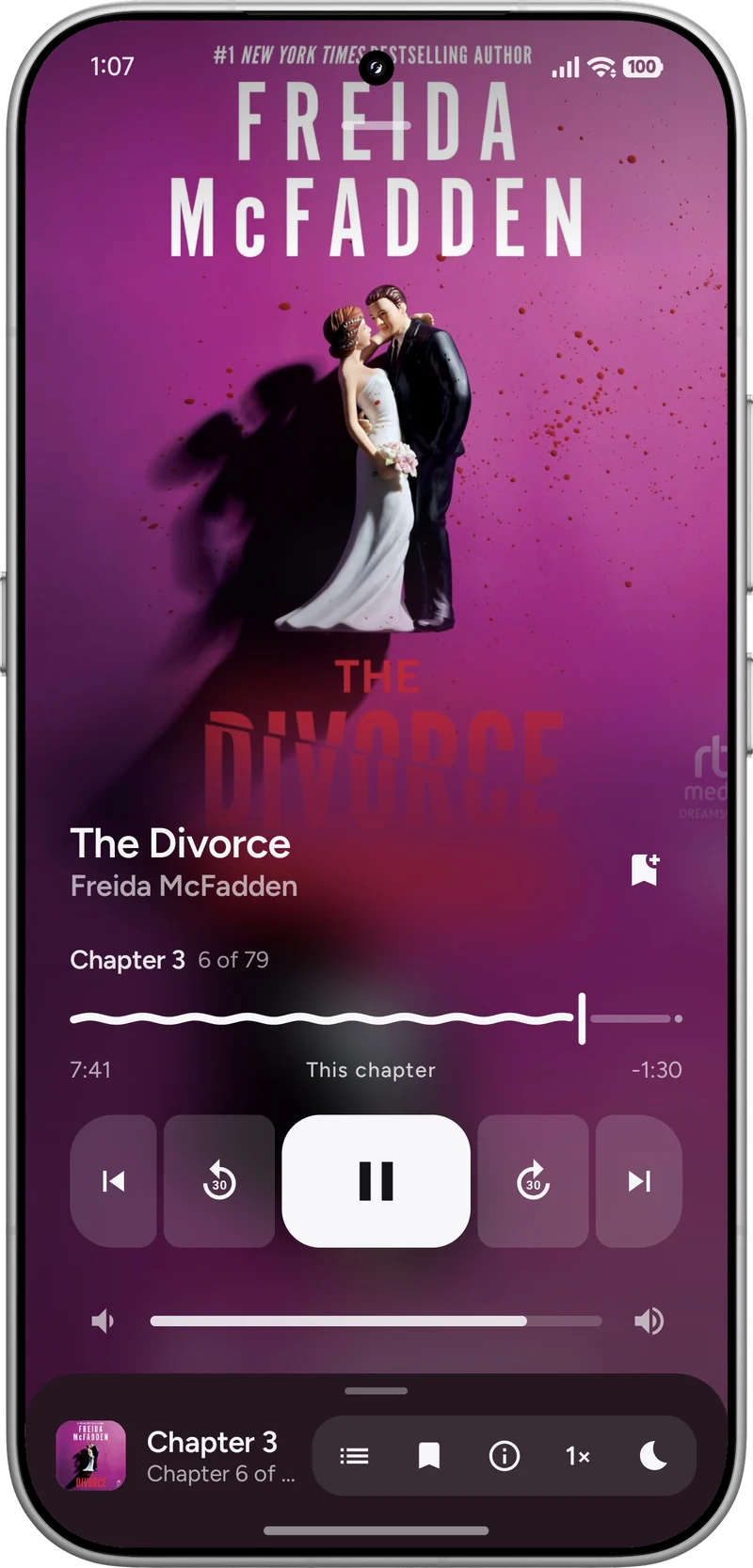
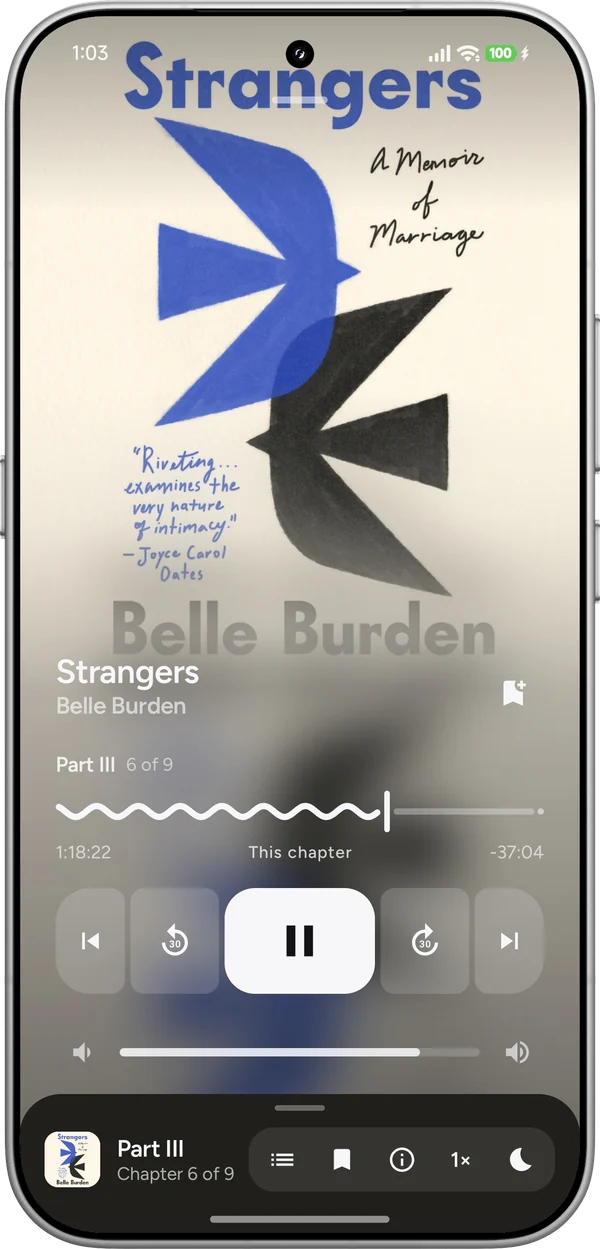
A free audiobook player for Android, for the audiobooks you already have as files. The player takes its colors from the cover of whatever you're listening to. No ads, no subscription.
I made GlassBook because I wanted a nice place to listen to the audiobooks I already have as files. Point it at a folder and it finds your books, with their covers and chapters.
What you're in the middle of, and a daily listening goal with your streak.
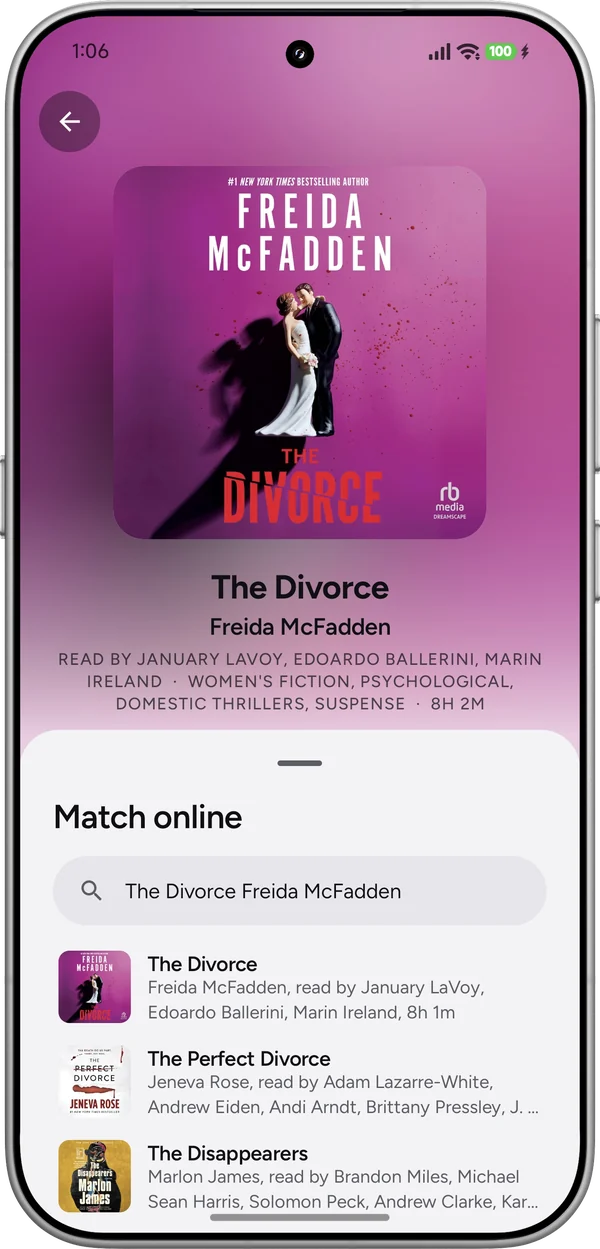
A new book gets its cover and details from Audible's catalog by itself. You can pick another match, or a photo of your own.
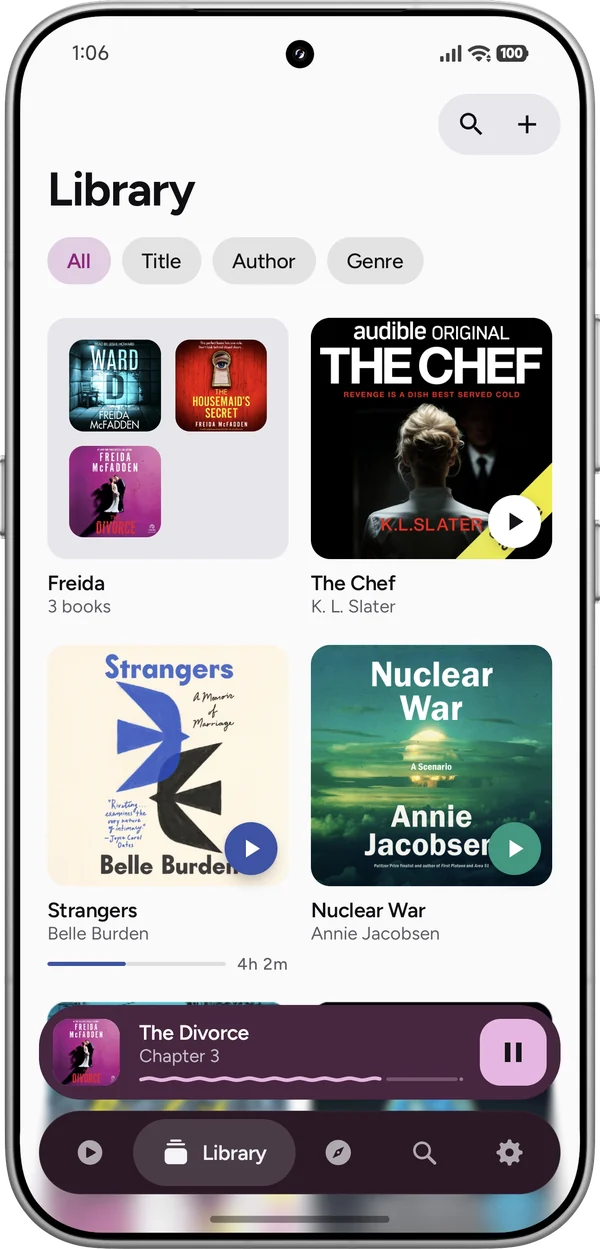
Collections with covers from your photos, by title, author or genre, in a grid you can pinch bigger or smaller.
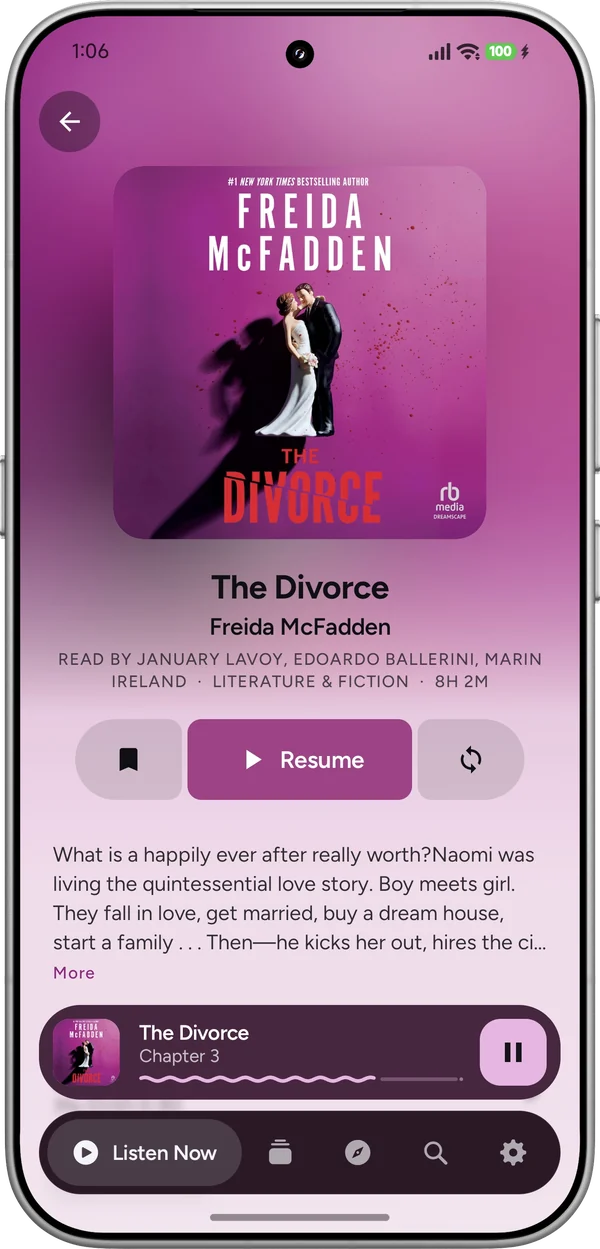
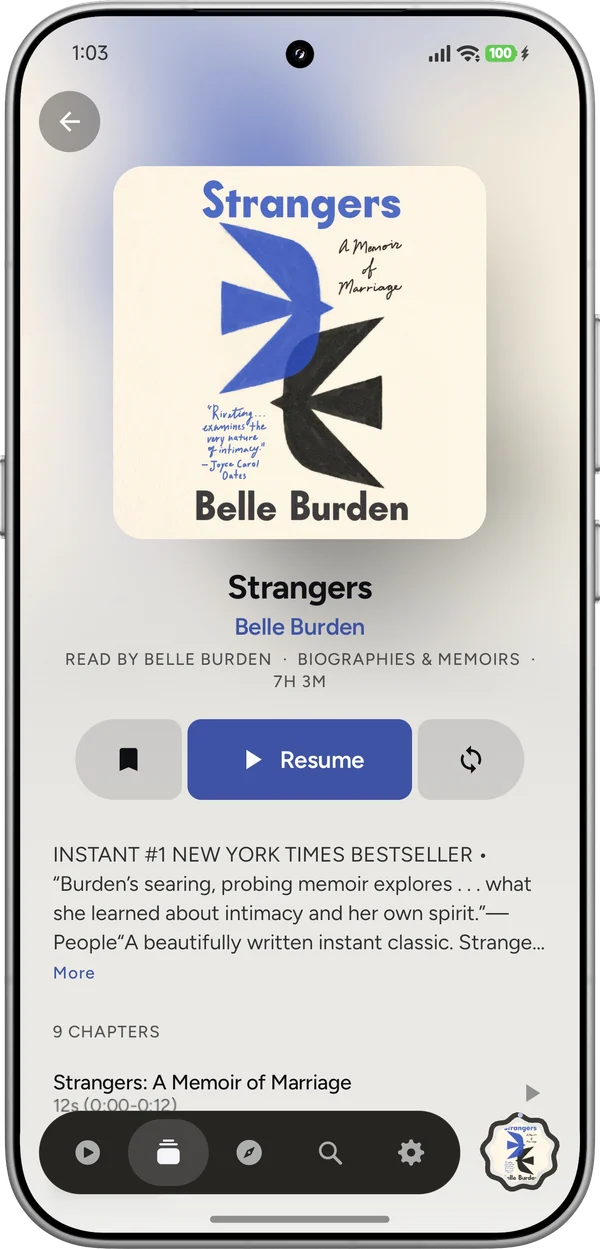
Its description, narrators, length and chapters, tinted by its cover.
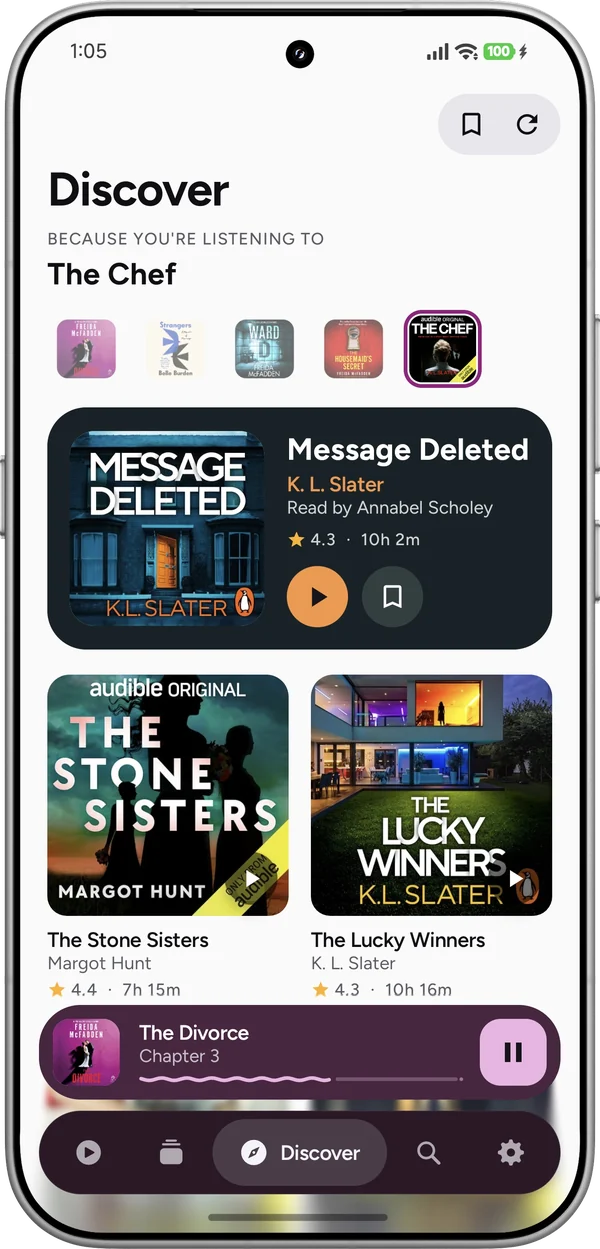
Picks based on what you're listening to, each with a sample to play.
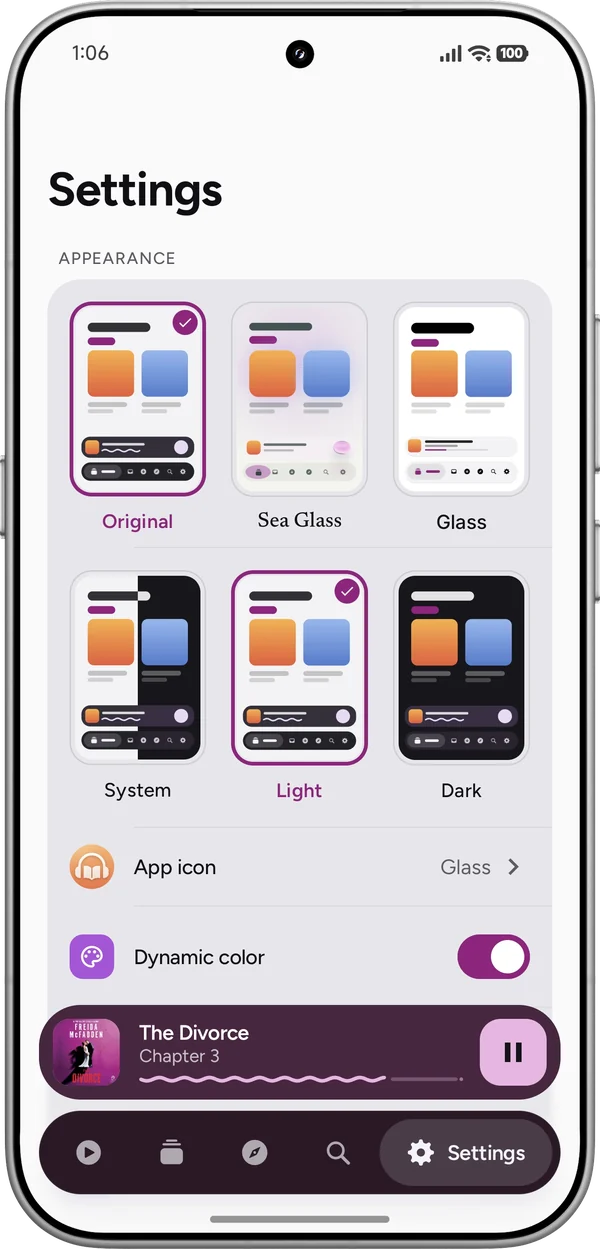
Three looks: the original, Sea Glass and Glass. Light or dark, and fifteen app icons.
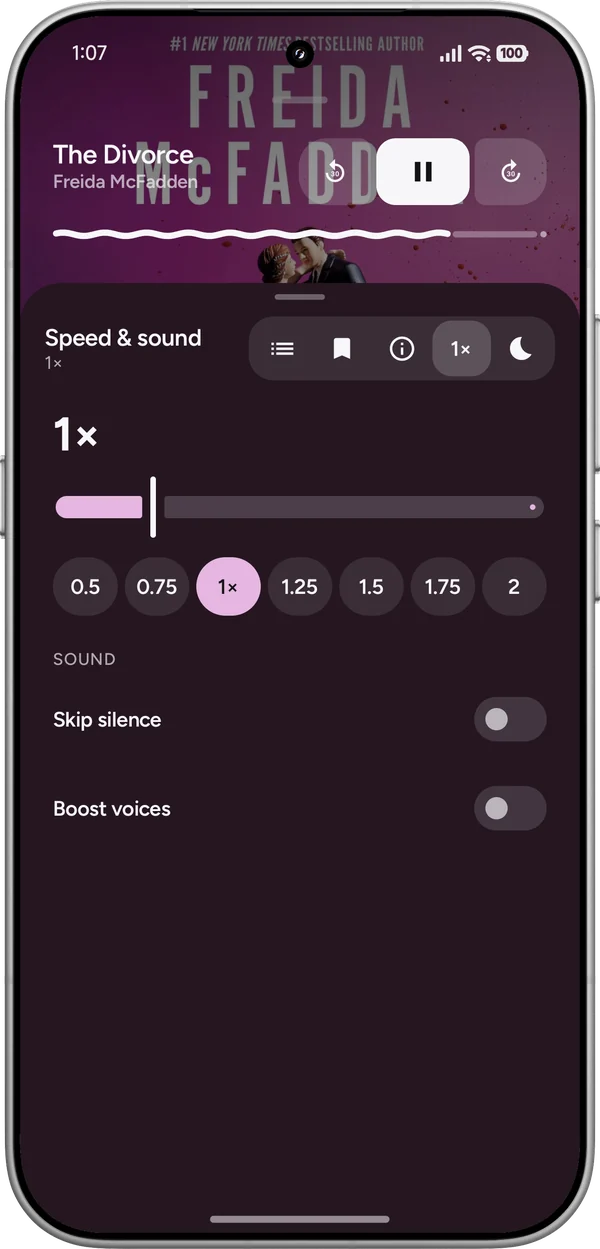
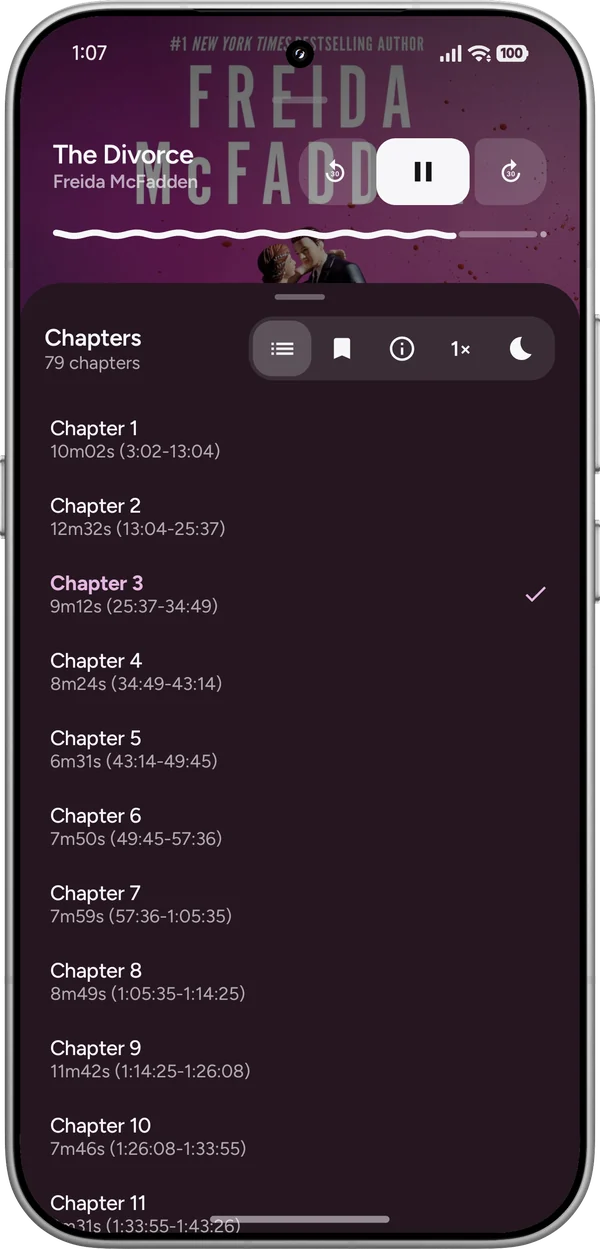
Jump between chapters, change the speed from 0.5x to 2x, skip silences and boost quiet voices. The sleep timer can stop at the end of the chapter, and a shake restarts it. Bookmarks keep any moment you want to come back to.
Sign in with Google if you want to, and where you are in each book, your bookmarks, your collections and your Want to Listen list follow you to every phone you sign in on.
You can keep the books themselves in your own Google Drive too. On another phone they play straight away and download as they go.
It all stays in your Drive, in a GlassBook folder. There's no GlassBook server.
Your books and what you listen to stay on your phone, and nothing about them is sent to me. GlassBook only goes online to look books up in Audible's catalog and Open Library, to check GitHub for updates, and, if you sign in, to keep your library in your own Google Drive. The privacy policy has the details.
M4B, MP3, M4A, Opus, FLAC and more, with a book in many files played as one. A listening history with your week, a Want to Listen list, a backup file for a new phone, a home screen widget, Android Auto, a layout for landscape and foldables, and English, Korean, German, Spanish and Dutch.
Download the APK and open it on your phone. The app checks for updates itself, so you only need to install it once.