 GlassCast
Every new episode, in one list.
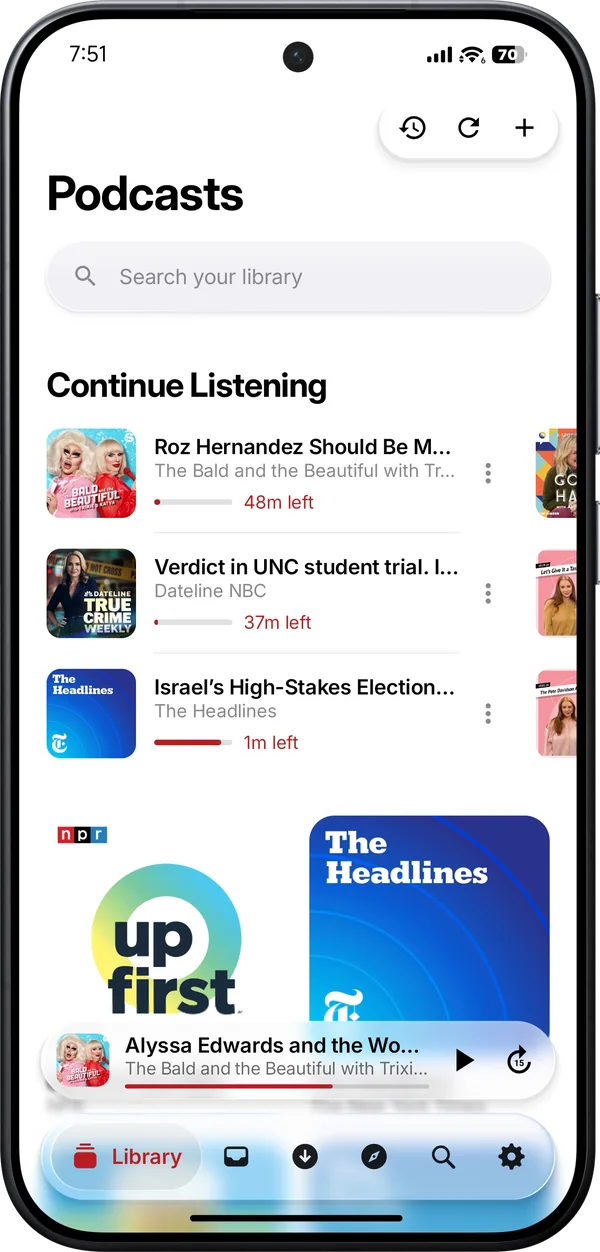
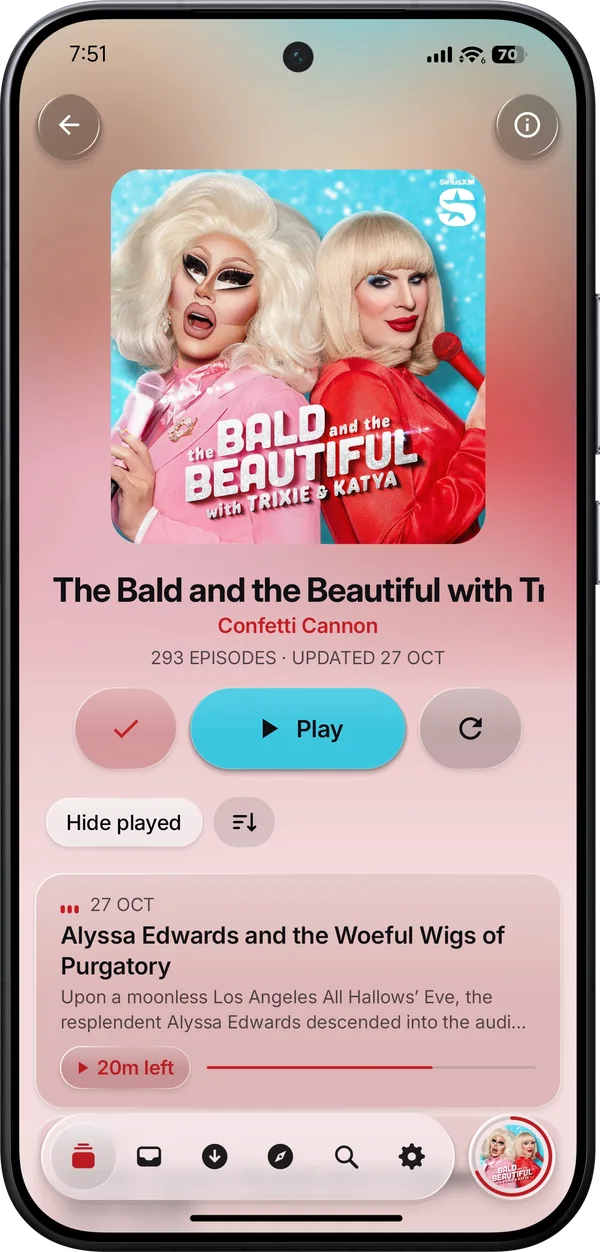
Hide what you've played and see what's downloaded.
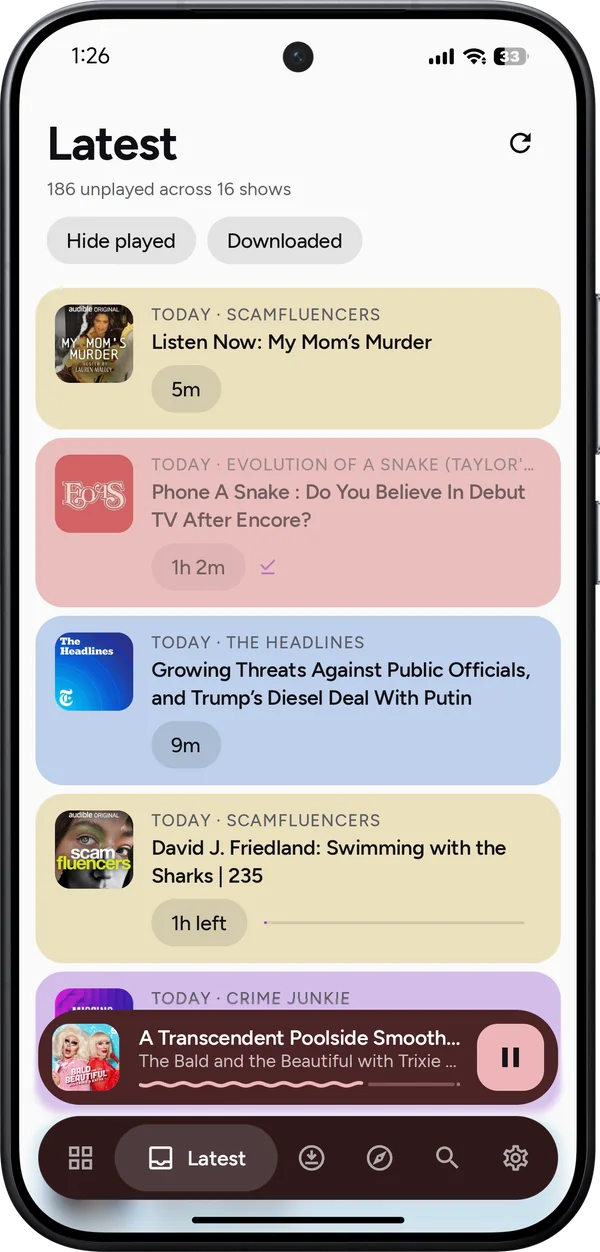
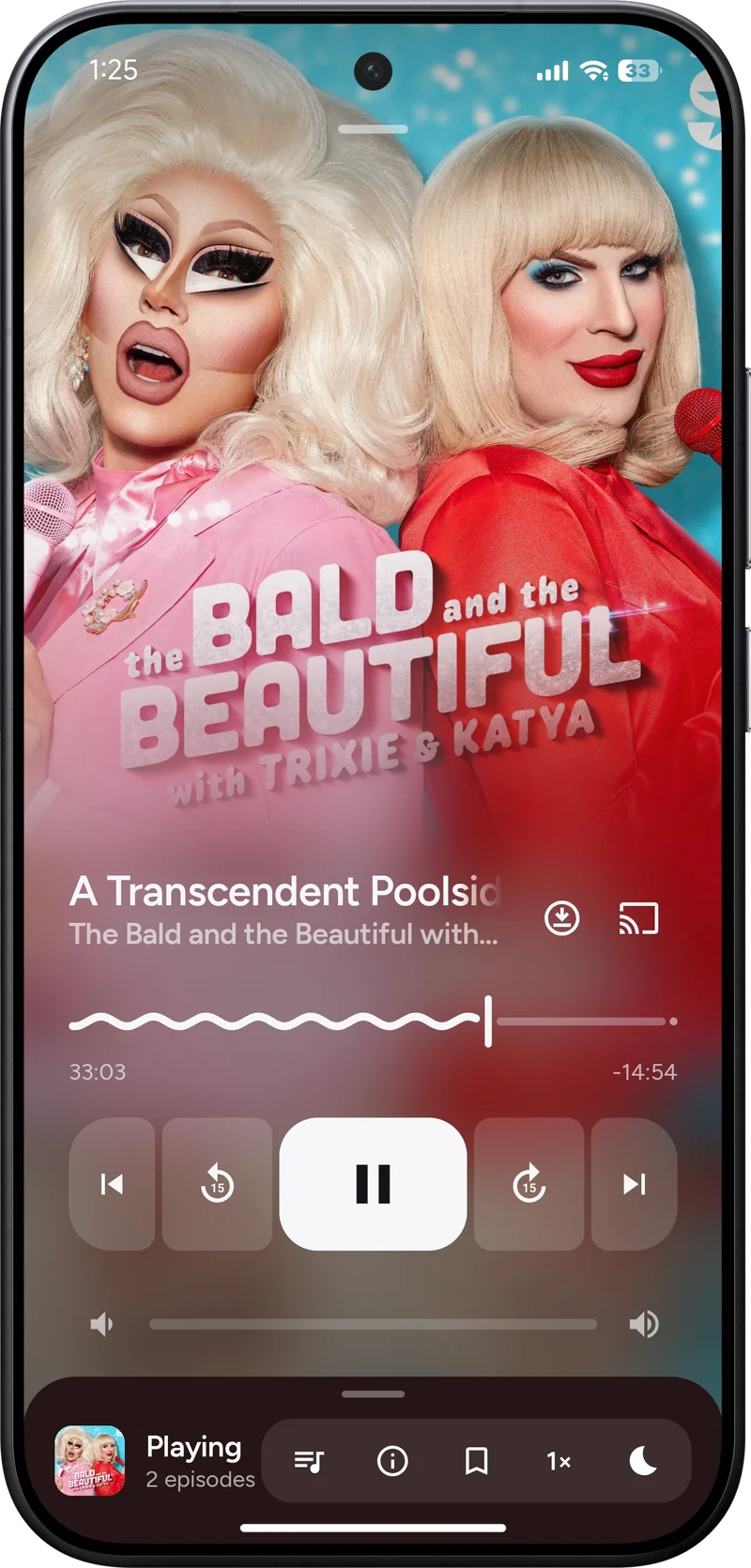
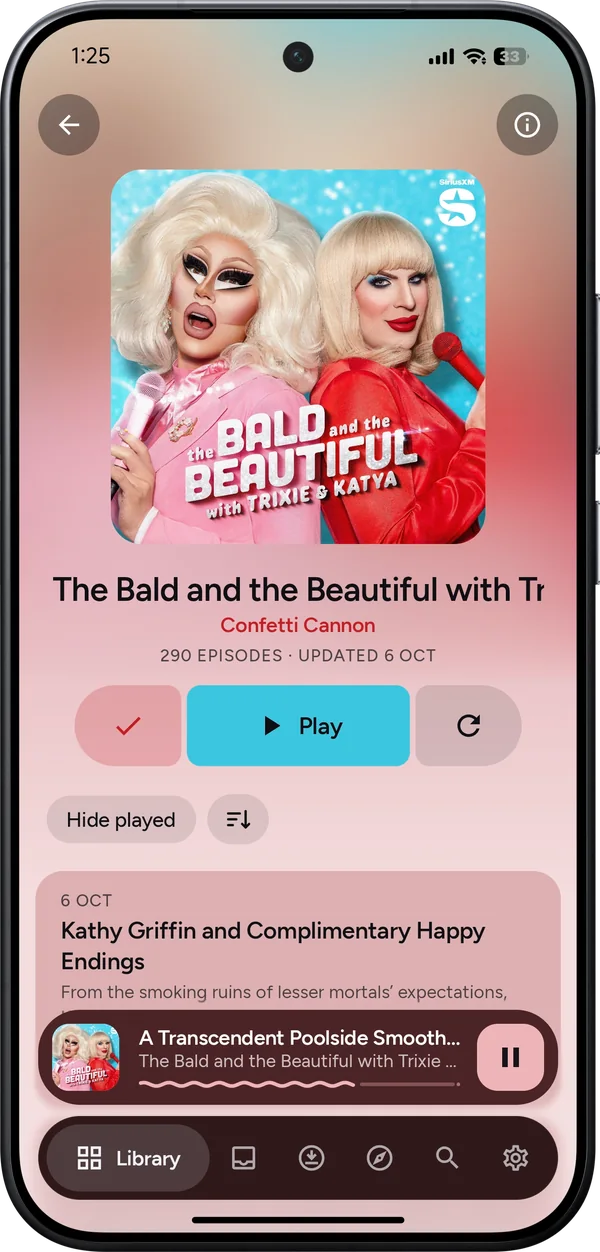
A free podcast app for Android phones and Google TV. The player takes its colors from the cover of whatever you're listening to. No ads, no account.
I made GlassCast after moving over from an iPhone, because I couldn't find an Android podcast app I actually liked using.
Hide what you've played and see what's downloaded.
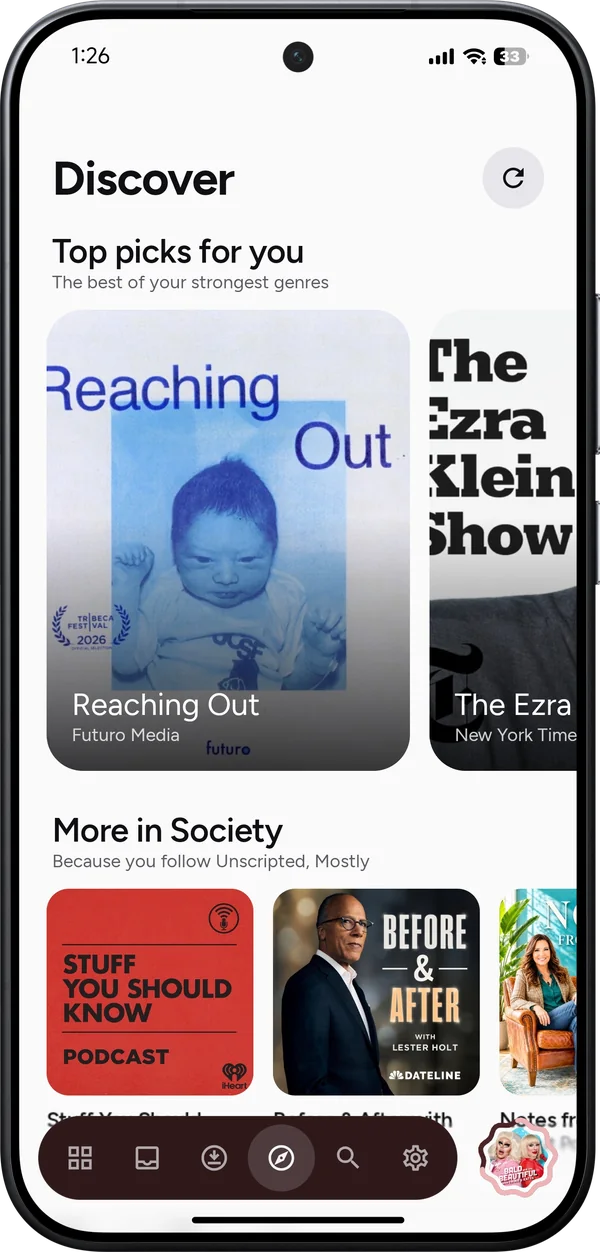
Speed, Skip silence, Boost voices, Skip ads, and a sleep timer that a shake restarts.
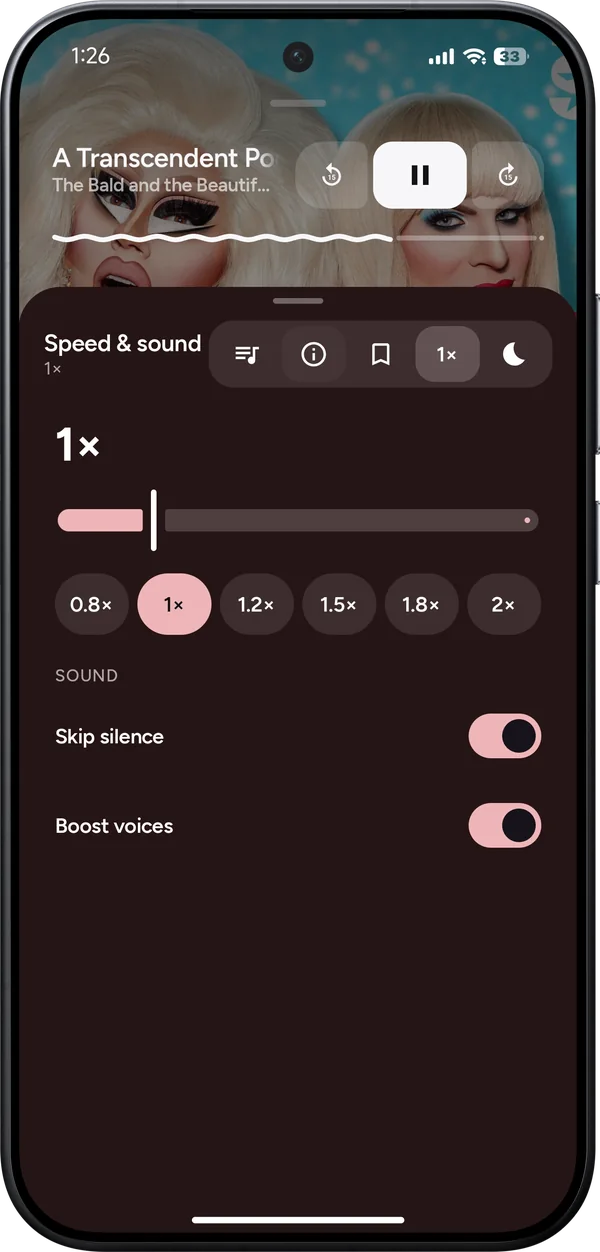
Picks from the genres you love, worked out on your phone.
Notes, chapters and transcripts, and new episodes that download on Wi-Fi by themselves.
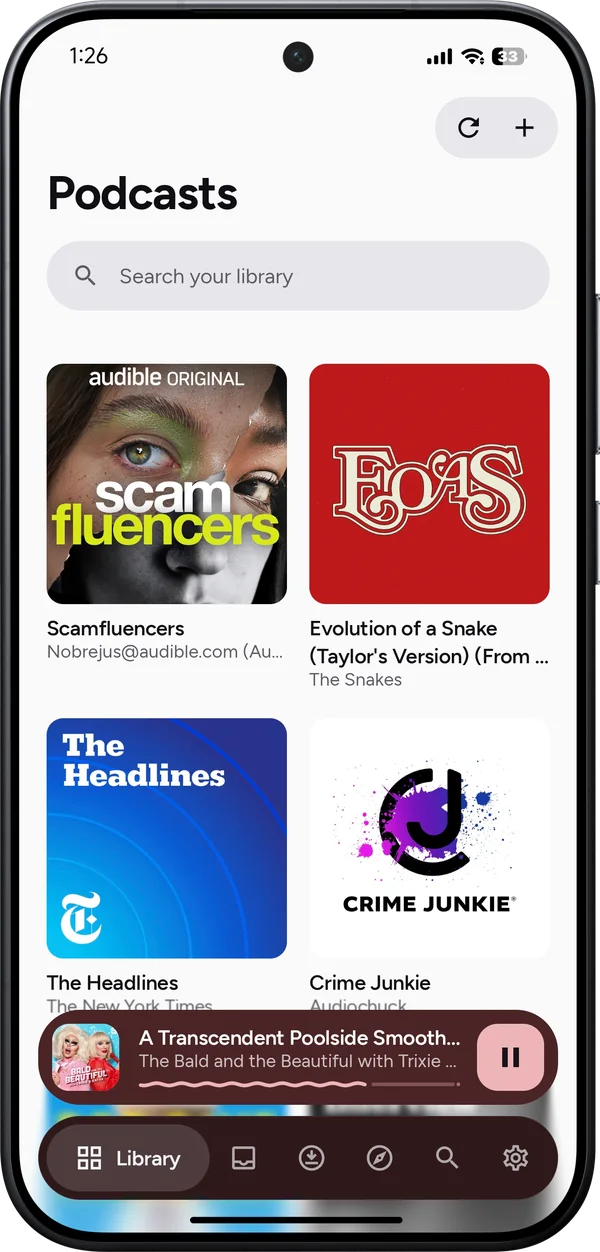
Folders for your shows, with covers of your own, the count of new episodes on every cover, and a big or small grid.
Three looks: the original, Sea Glass and Glass. Light or dark, your own accent color, and fifteen app icons.
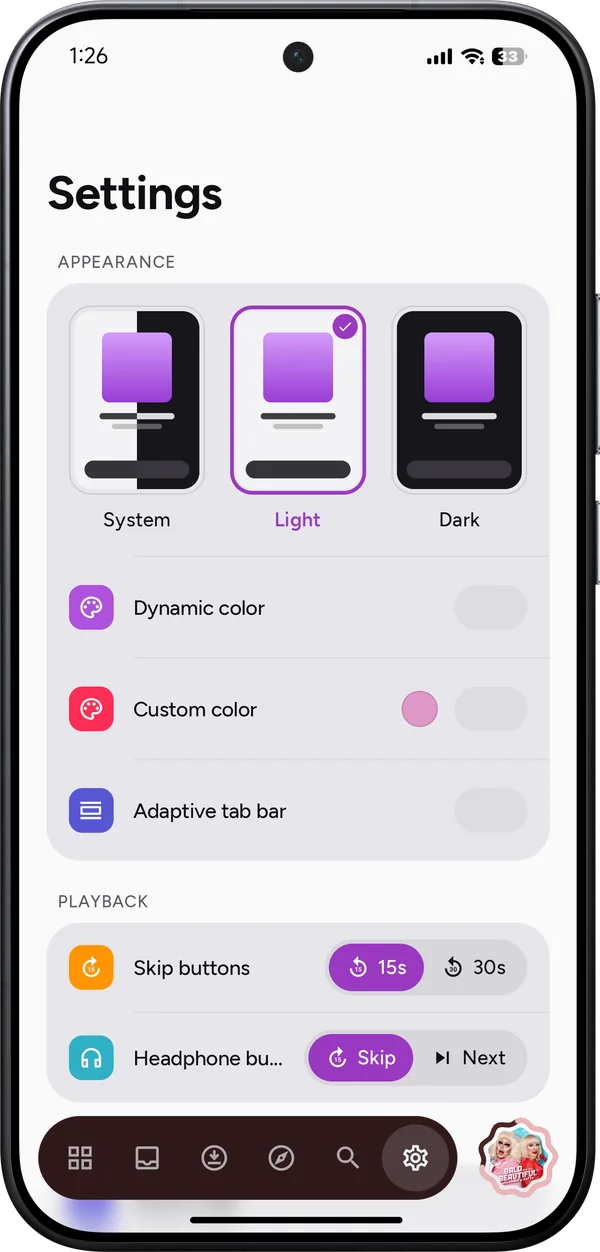
The tab bar, the mini player and the player's controls turn into real glass that bends what's behind it, with light catching the edges. Apple's layout and colors, set in Inter. Pick Frosted for a soft frost, or Liquid for clearer glass.
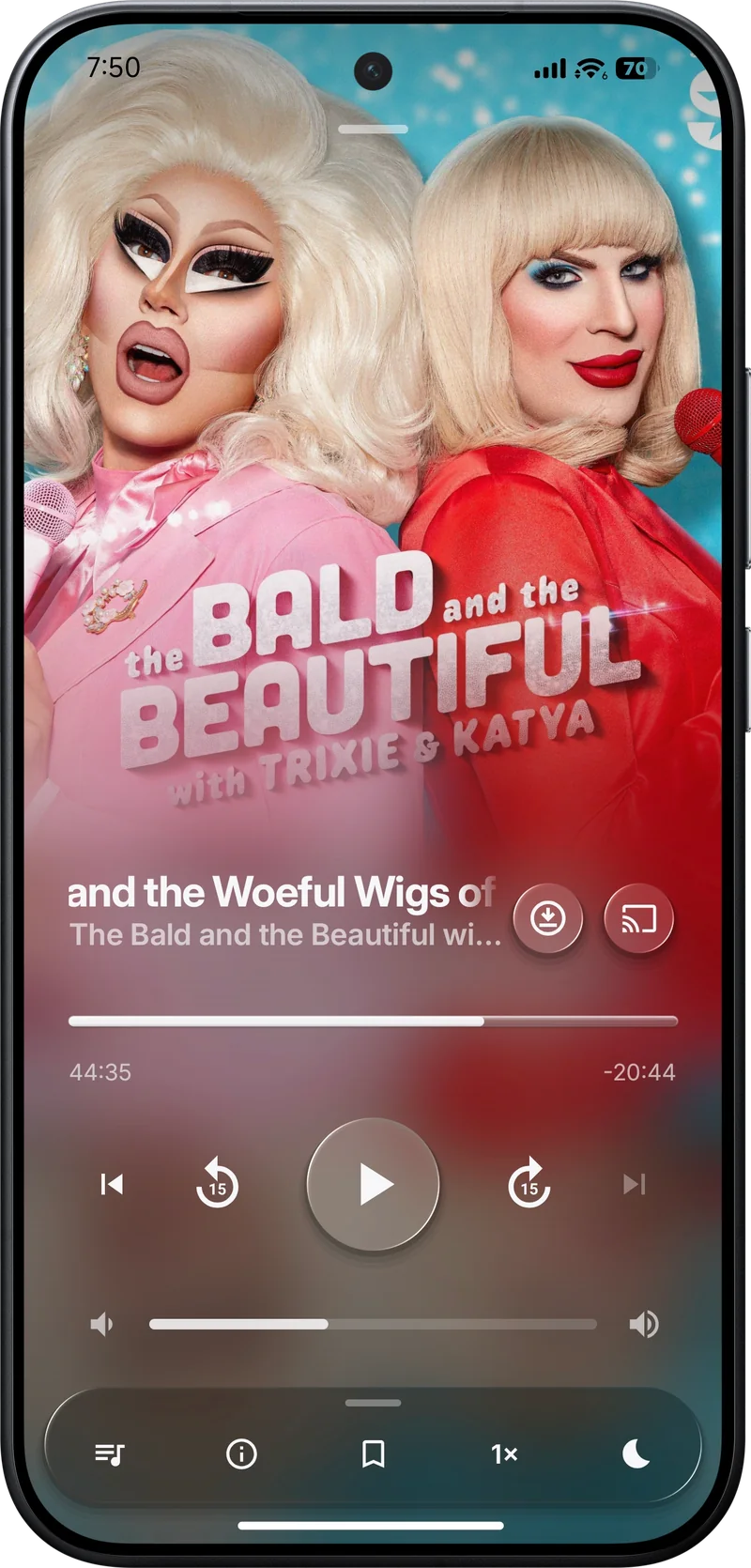
Turn on Skip ads and GlassCast goes through your downloaded episodes on your phone. When the same ad turns up in another episode or another show, it's marked on the progress line and skipped while you listen, with Undo if it got one wrong.
No AI and no account, and nothing is uploaded. The first time a new ad runs, it plays.
What you listen to stays on your phone, and nothing about it is sent to me. If you sign in with Google, your shows, folders, progress and bookmarks follow you to every phone and TV, kept as one file in your own Google Drive. There's no GlassCast server. The privacy policy has the details.
Bookmarks with notes, a listening history with your week in numbers, a tag on episodes you've heard before, new episode alerts, downloads for offline listening, Chromecast and Google TV, Android Auto, gPodder and Nextcloud sync, OPML import and export, a home screen widget, a player made for foldables, and its own interface on Google TV.
Download the APK and open it on your phone or Google TV. The app checks for updates itself, so you only need to install it once.